Help · Installation guide
Up and running in ten minutes
You need your Tosh Dash, access to your VESC's UART port, and a phone or laptop.
1. Connect the four wires
Tosh Dash is powered by your VESC — there is no battery inside and nothing to charge. Connect 5V, GND, TX and RX as shown on the wiring page.
2. Tell your VESC to talk
Open VESC Tool, connect to your controller and check two settings:
| Where | Setting | Value |
|---|---|---|
| App Settings → General | App to Use | UART — or ADC and UART / PPM and UART if you use a throttle on ADC or PPM |
| App Settings → UART | Baudrate | 115200 |
Write the app configuration to the VESC afterwards.
3. Power up
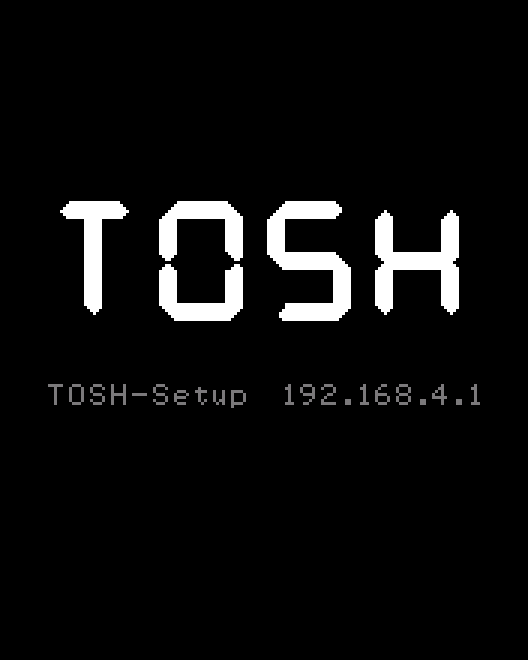
Switch your vehicle on. Tosh Dash shows “TOSH” and its setup address for a moment, then the ride screen. Watch the dot in the top-left corner:
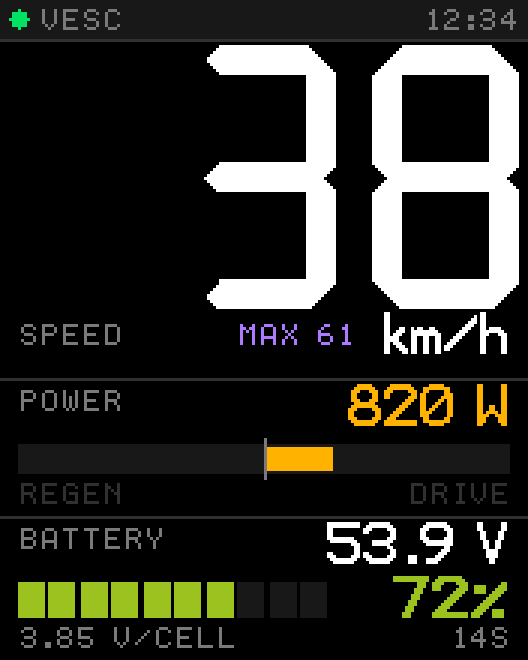
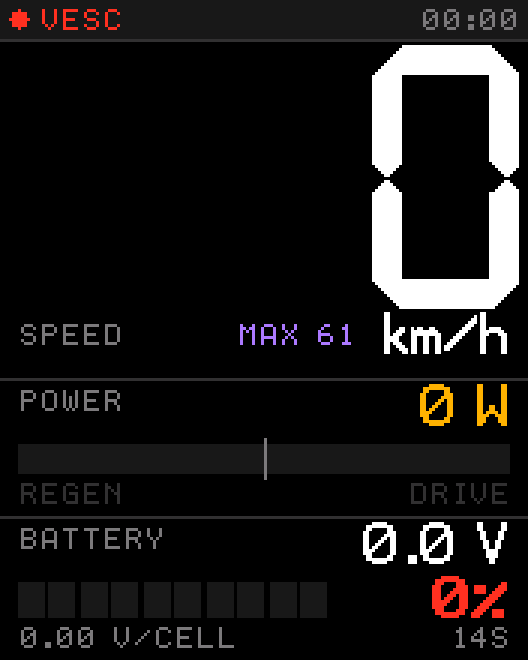
Red dot? It is almost always one of two things: Check wiring and baud rate
4. Open the settings on your phone
- On your phone, join the Wi-Fi network
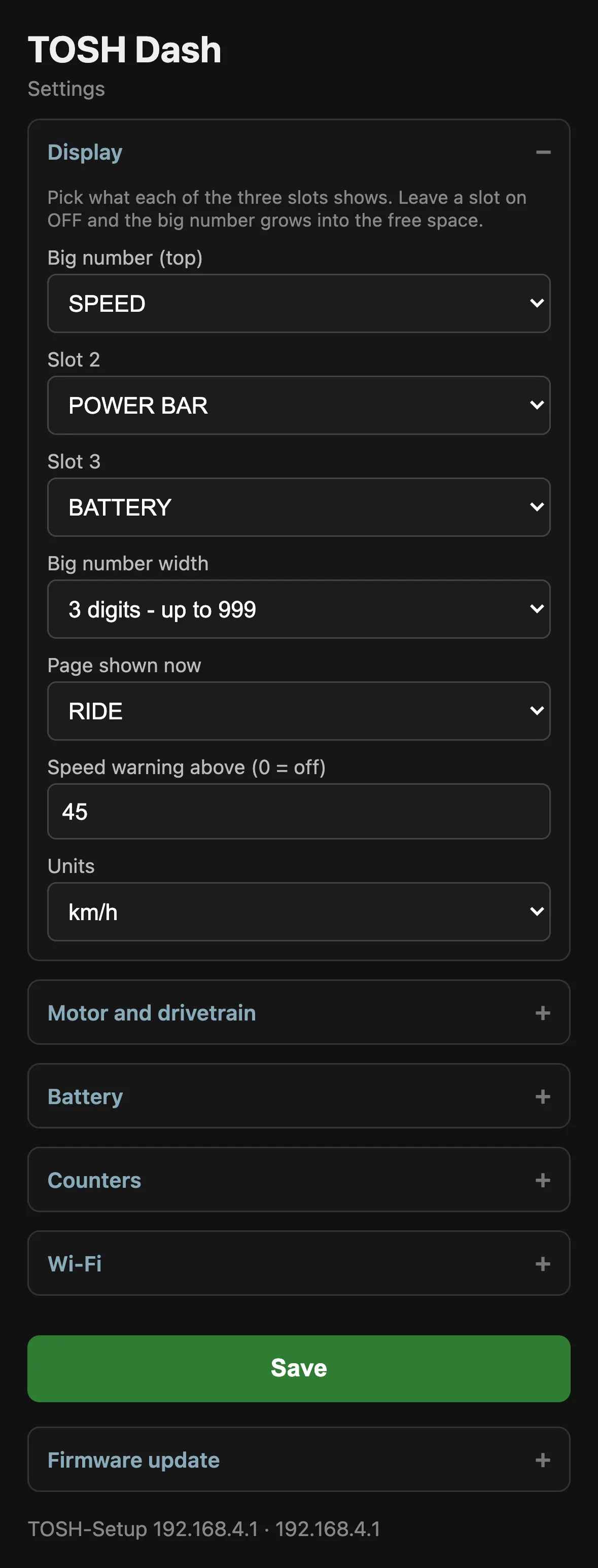
TOSH-Setup. It has no password. - Open a browser and go to
192.168.4.1. - Your phone may warn that this network has no internet. That is expected — stay connected.
5. Enter your vehicle
Three numbers make speed and distance correct, three more make the battery gauge correct:
| Section | Setting | Where to find it |
|---|---|---|
| Motor and drivetrain | Motor poles | Motor datasheet. Count magnets if unsure — poles, not pole pairs. |
| Gear ratio | 1.000 for hub motors. Otherwise motor turns per wheel turn. | |
| Wheel diameter (mm) | Measure the inflated tire, edge to edge. | |
| Battery | Cells in series | The “S” number of your pack: 10S, 12S, 13S, 14S … |
| Voltage full / empty | See the table on the settings page. |
Tap Save. The display redraws immediately — no restart needed.
6. Optional: join your home Wi-Fi
Enter your network under Wi-Fi and the display joins it on the next start.
From then on you reach the settings at tosh.local without switching networks.
If your home network is out of range, Tosh Dash opens TOSH-Setup again after about twelve seconds —
you can never lock yourself out.